
EllaMediaisthedigitalsignageplatformIbuiltwhileworkinginITatEllaResorts,fortwofive-starhotels:HeleaLifestyleBeachResortandElissaAdultsOnlyBeachResort.ItturnedmorethantenseparatepublicTVsintoonenetworkthatcanbemanagedfromabrowser.Itwasalsomyfirstrealproject,andtheonethattaughtmewhatbuildingsomethingforotherpeopleactuallymeans.
Built with
- Node.js
- Express
- Tailwind
- Gemini
A USB stick and a long walk
A five-star hotel is built on details. The screens in its public spaces tell guests what is happening today, where to go and what they should not miss. Behind that calm surface, our process was surprisingly physical.
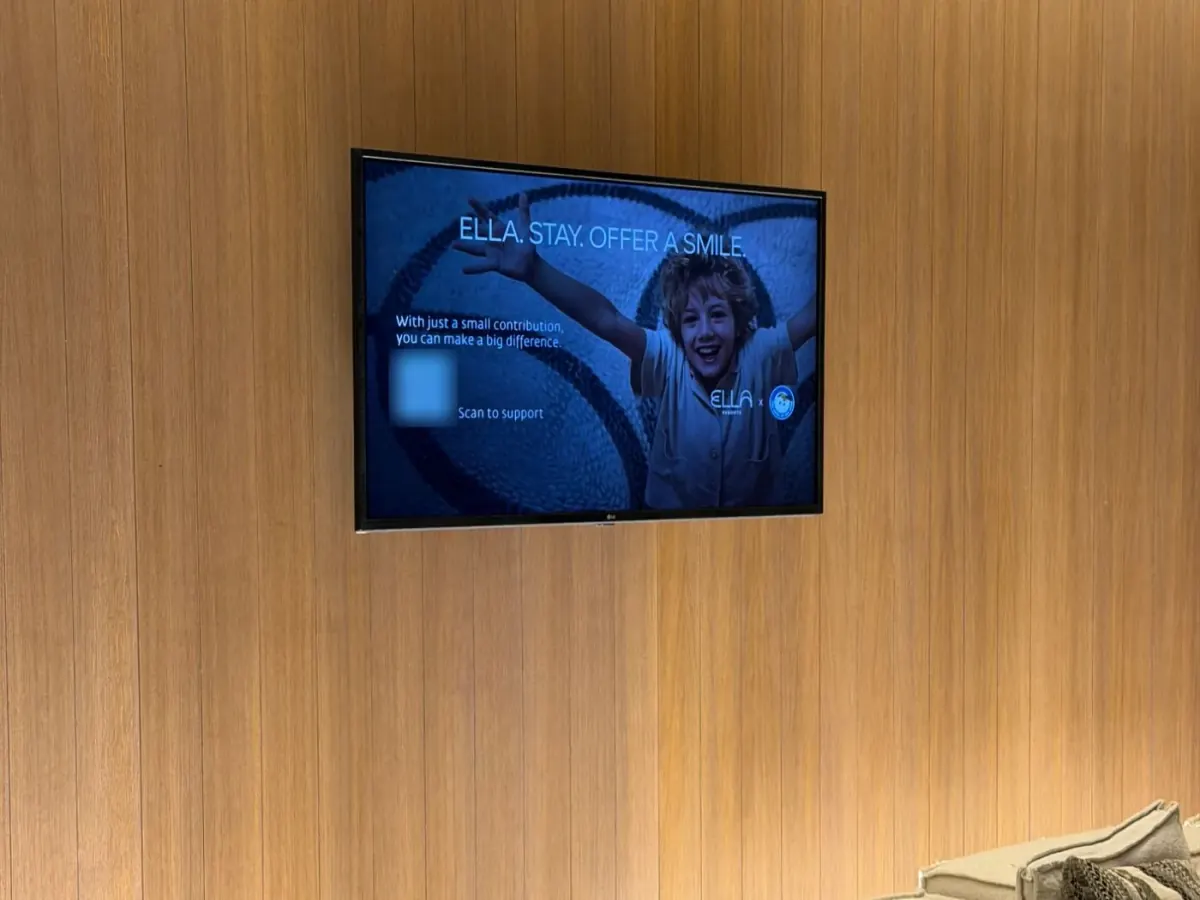
There was no signage system. When something changed, someone had to take the USB stick out of a television, bring it back, load the new content and return it. Then do it again, for more than ten screens.
Nobody had chosen this as the best way to work. It had simply become the way things were done. That is how most small problems survive: everyone feels them a little, so nobody stops to name them. I pointed it out, and then I asked a simpler question.
What do we already have?
The answer was short. We had the televisions, and we had one virtual machine.
No new hardware. No expensive signage subscription. But a modern TV already contains a browser, and a virtual machine can serve a website. If every screen could open one page, and that page knew what it was supposed to show, the USB stick would no longer have a job.
That was the whole idea behind Ella Media. Good solutions do not always begin with what you can buy. Sometimes they begin by looking properly at what is already in the building.
None of this would have left my screen without my supervisor, Mr. Antonis Inglesis. Mr. Inglesis gave me the permission to try it on the hotel's real screens, helped me along the way and kept giving me honest feedback as it grew. Trusting a first project with something guests see every day is not a small thing, and that trust is the reason it became real.
One place for every screen
Ella Media has two sides. The player runs full screen on each TV and quietly shows that screen's content. The dashboard is where our IT team decides what that content should be.
Upload once
Several images and videos can be uploaded together. Large videos are compressed automatically on the server, scaled to Full HD, stripped of audio that public screens do not need and prepared to start quickly. The person uploading does not need to know any of that. They just drop in a file.
Every small thing in its place
Most of the value of a tool like this lives in small actions people repeat every day. Folders can be created and renamed. Files can be previewed, renamed, cloned or moved between folders. An image can stay on screen for exactly as long as it should, and each file can either fit the screen or fill it.
Something that is only needed next month can be hidden without being deleted. Something deleted by mistake waits in the trash and can be restored.
Every TV, organized
Each screen on the board can be renamed, given notes for the team, assigned a folder or set to play in random order. A TV that should not clutter the board can be hidden. The next item is always prepared before the current one ends, so the screen moves on without feeling like a computer is working behind it.
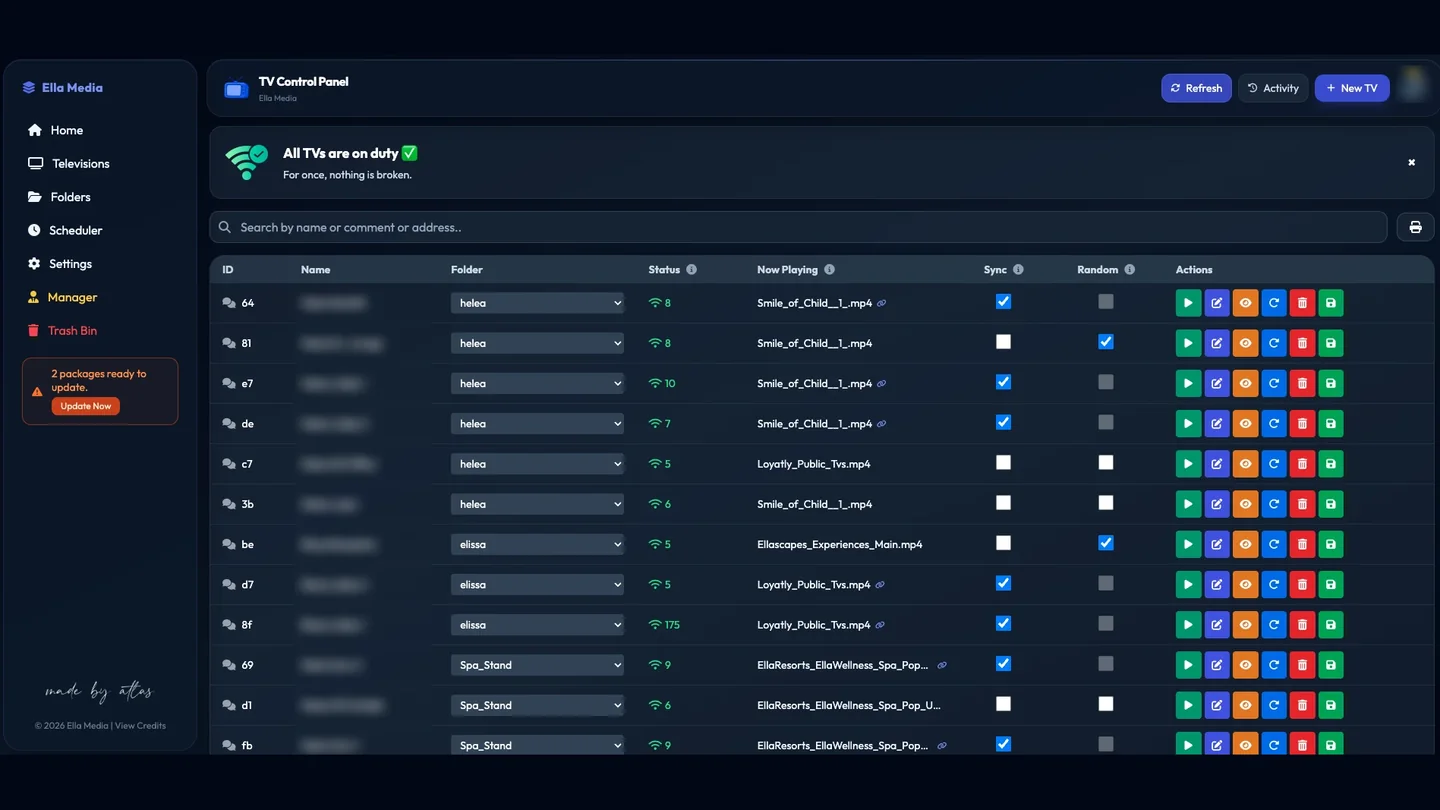
A week for each screen
The right message depends on the moment. A visual weekly grid lets the team drag folders onto days and hours, resize them and apply a plan to several TVs at once. Blocks cannot overlap, and when nothing is scheduled, a screen falls back to its default folder. The server keeps checking the time and switches each TV by itself, so nobody has to be there when the content changes.
An AI that makes the schedule
Planning can also start with a sentence. Describe what should play and when, and Gemini turns the request into real blocks on the weekly grid, with a short explanation of what it did. It can only use folders that actually exist, it cannot create overlaps, and if the request is unclear or off-topic, it says so instead of guessing.
A remote for the whole building
Ella Media works with the LG and Samsung TVs the hotel already had. On LG screens, the server speaks directly to webOS over the local network through lgtv2. Once a TV is paired, the dashboard becomes its remote: it can wake the screen with Wake-on-LAN, open the player or turn it off.
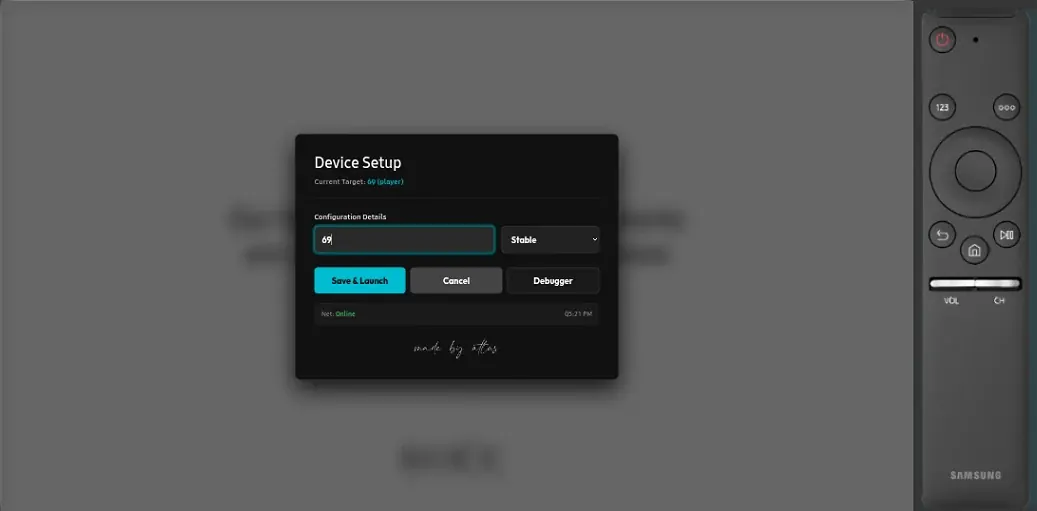
Networks change, and a TV does not always keep the same address. So when one wakes up somewhere new, the server sends a quick broadcast ping across the network, reads the ARP table and finds the TV again by its MAC address. The television stopped being an object you had to walk to and became something the system could talk to.
Screens that move together
When screens close to each other share the same content, seeing them out of step looks wrong, so they can play as one. One screen becomes the leader and the others follow its timing live. If the leader disappears, another takes its place, so a group of screens does not fall apart because one of them went dark.
Screens that report back
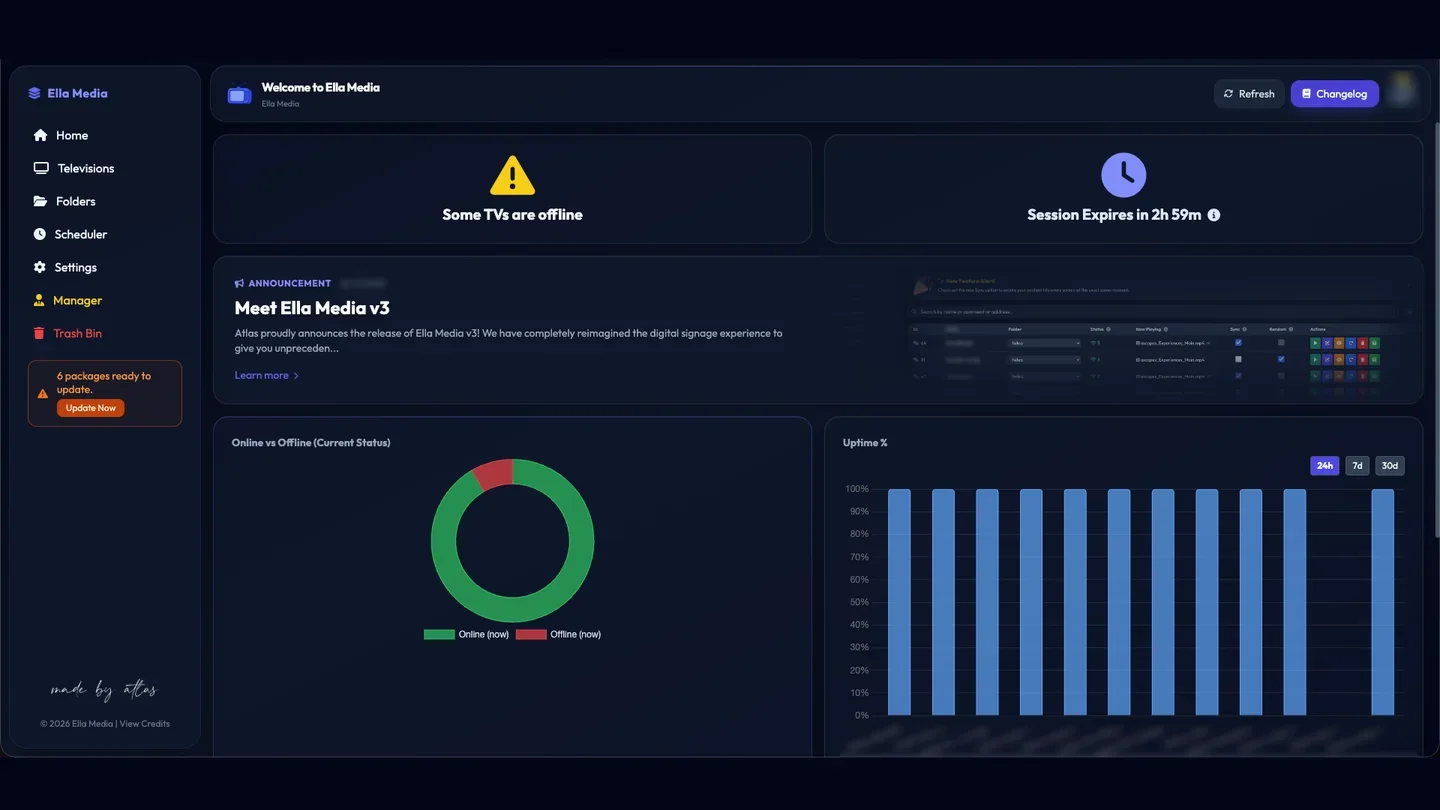
A screen that has quietly stopped working is worse than no screen at all, because nobody notices until a guest does. So every player constantly reports to the dashboard: which platform it runs on, what it is playing, whether it is buffering, how healthy its connection is and how much memory it is using.
The home page turns that into a live picture of the hotel, with graphs, server resources, an activity history and the uptime of every TV over the last day, week and month.
Screens that bring themselves back
Then I took the next step and stopped relying on someone to read that dashboard. Each TV can have its own working hours. Outside them, Ella Media turns it off. Inside them, if a screen goes silent, the server wakes it, finds it on the network and opens the player again, with nobody touching a remote.
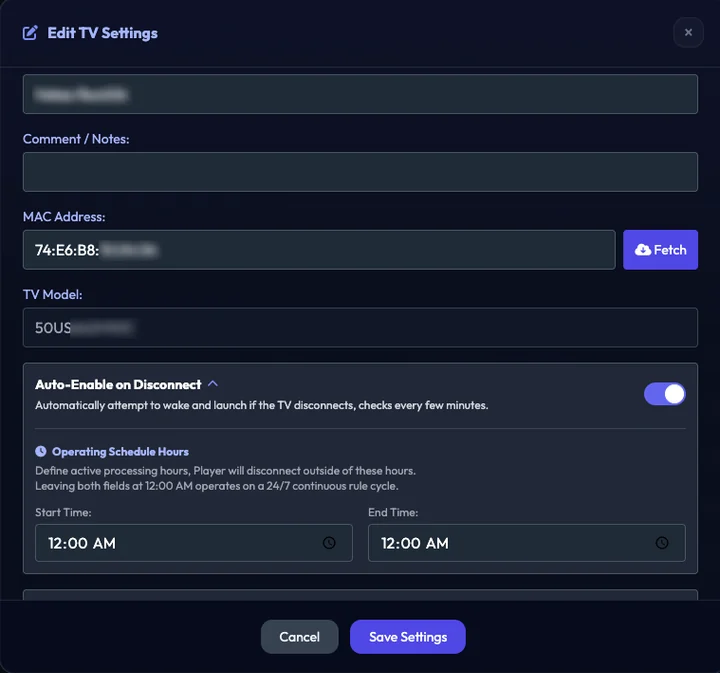
Recovery also has to know when to stop. If a TV keeps failing, each new attempt waits longer than the last, and eventually the system leaves it alone instead of knocking on the same door forever. Most problems fix themselves, and the ones that remain are the ones a person should actually look at.
Safe to grow
Because more than one person uses the system, each account has its own permissions for what it can see and change, with one-time email codes for sensitive actions. New versions of the player can be tested as a beta and assigned TV by TV before they reach every screen. In a hotel, the public is always in the room.
What this gave the hotel
The change was simple to describe. Updating the screens stopped being an errand and became a few clicks.
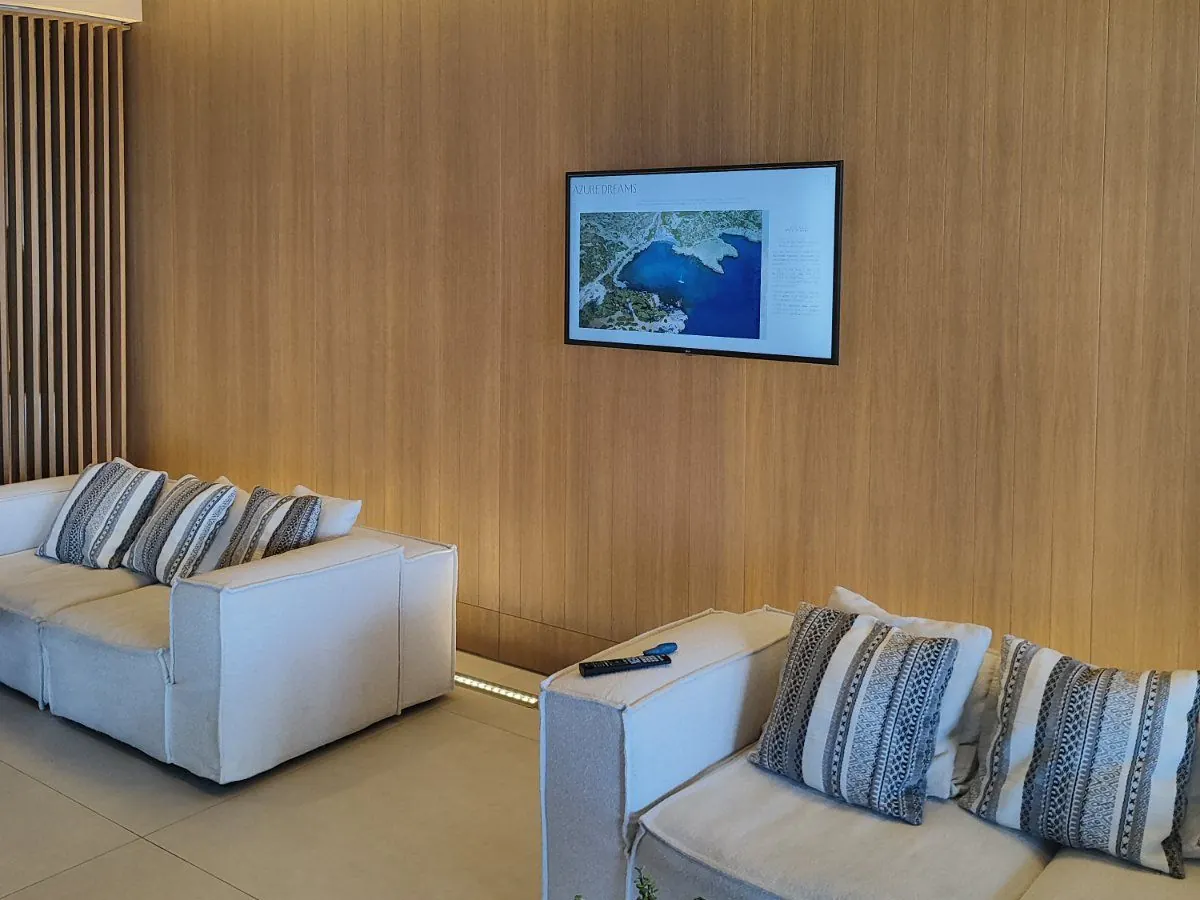
The hotel gained a signage system built around how it actually works, on equipment it already owned. Our IT department could now change a message from a browser, plan it in advance and see that it had arrived. The screens became a living part of the guest experience instead of something that was updated whenever someone found the time.
What I learned
This was my first project, and I learned more from it than I could have learned from any tutorial. I learned how a server talks to real devices, how software behaves when it has to stay on all day, and how quickly a small idea grows once people start to depend on it. I also learned to work with limited hardware. One virtual machine had to serve every screen, and ordinary TVs had to do the job of a signage system, so each decision had to fit the situation in front of me rather than the ideal setup from a tutorial.
I kept improving it for more than two years, during the summers I worked there, in the quiet moments between reports. Every season, it became a little less of an experiment and a little more of something people relied on.
Looking back, I would build many parts of it differently. I think that is the best thing a first project can leave you with. You can only see how far you have come because you once shipped something real.
But the lesson I kept had little to do with code. I was not trying to build anything impressive. I just saw a small daily frustration, asked what we already had, and tried, making plenty of mistakes along the way. I was lucky to work with someone who said yes and helped me when I did not know how.
It is still a small project in one corner of a hotel. But it showed me how much I still have to learn, and that you do not need to know everything before you begin. Sometimes it is enough to look at the USB stick in your hand and ask, quietly, if there might be a better way.